
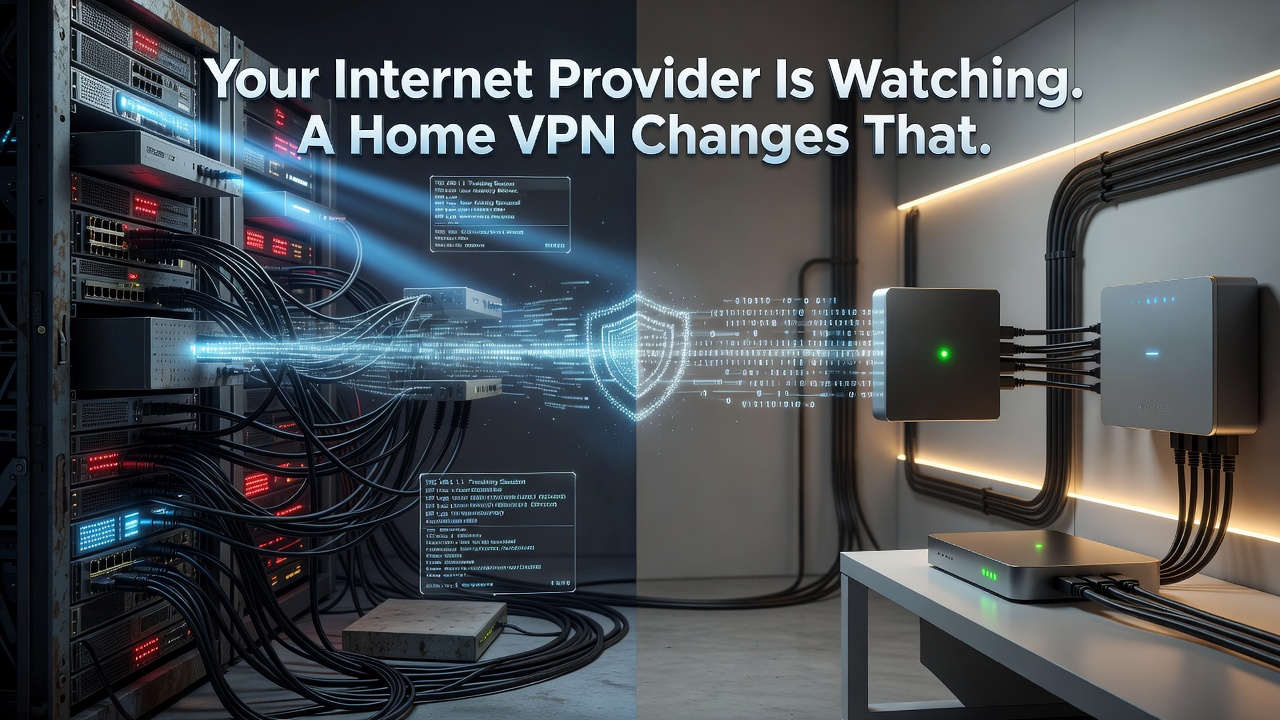
The biggest threat to your online privacy isn't a hacker lurking on public Wi-Fi - it's the company that provides your home internet connection. Internet service providers sit in a unique position: every site you visit, every app you use, and every hour you spend online passes through their infrastructure, and in many jurisdictions, that data can be logged, analyzed, and sold. A VPN won't solve every privacy problem, but at home, it's one of the few tools that directly addresses this particular exposure.
Why Your Router, Not Your Coffee Shop, Is the Real Risk
Public Wi-Fi anxiety has driven much of the conversation around VPN adoption, but the odds of a stranger intercepting your traffic at a café are genuinely low compared to the routine, systemic observation your ISP performs every day. Because so much modern traffic is encrypted via HTTPS, your provider typically can't read the contents of what you send, but it can still see which domains you contact, when, and for how long - enough to build a detailed behavioral profile. A VPN encrypts that traffic through a private tunnel and routes it through a separate server, so your ISP sees only a single encrypted connection rather than your full browsing history. Testing this kind of protection is easier than many assume; services offering a BuyBestVPN free trial let you evaluate encryption performance and server reliability before committing to a subscription.
What a VPN Can't Do
Encryption hides your traffic from your ISP, but it does nothing to stop browser fingerprinting, a tracking technique that identifies you by the unique combination of your device settings, installed fonts, screen resolution, and other technical markers. Advertisers don't need your IP address if they can recognize your browser's fingerprint instead. A VPN makes it harder to build a fresh profile by masking your location and network identity, but it cannot erase a profile that already exists. Real protection requires pairing a VPN with tracker-blocking extensions and privacy-focused browsers - layered defenses rather than a single fix.
Streaming, Torrenting, and the Limits of Location Spoofing
Connecting to a VPN server abroad makes your traffic appear to originate there, a practice known as location spoofing. Streaming platforms license content regionally, so this technique can unlock catalogs unavailable in your country - though it's an ongoing contest, as streaming services actively detect and block known VPN server addresses. Torrenting raises separate concerns: in regions with strict peer-to-peer enforcement, an ISP can flag or throttle connections tied to file-sharing activity, and a VPN obscures the traffic pattern that makes such monitoring possible. None of this removes the responsibility to follow local law.
Choosing and Configuring a VPN for Full-Home Use
Covering every device at home usually means either a VPN with multiple simultaneous connections or one configured directly at the router level, which extends protection to smart TVs and consoles that don't support native VPN apps. Split tunneling is worth seeking out too - it lets you exclude specific apps, such as those relying on Chromecast or AirPlay, from the VPN tunnel so they continue functioning normally. A static IP add-on, offered by some providers, can also reduce the chance of being flagged as VPN traffic by streaming detection systems. Speed matters as much as features; a slow VPN undermines everyday use regardless of how strong its encryption is.